
Gold (XAUUSD) Lot Size Calculator
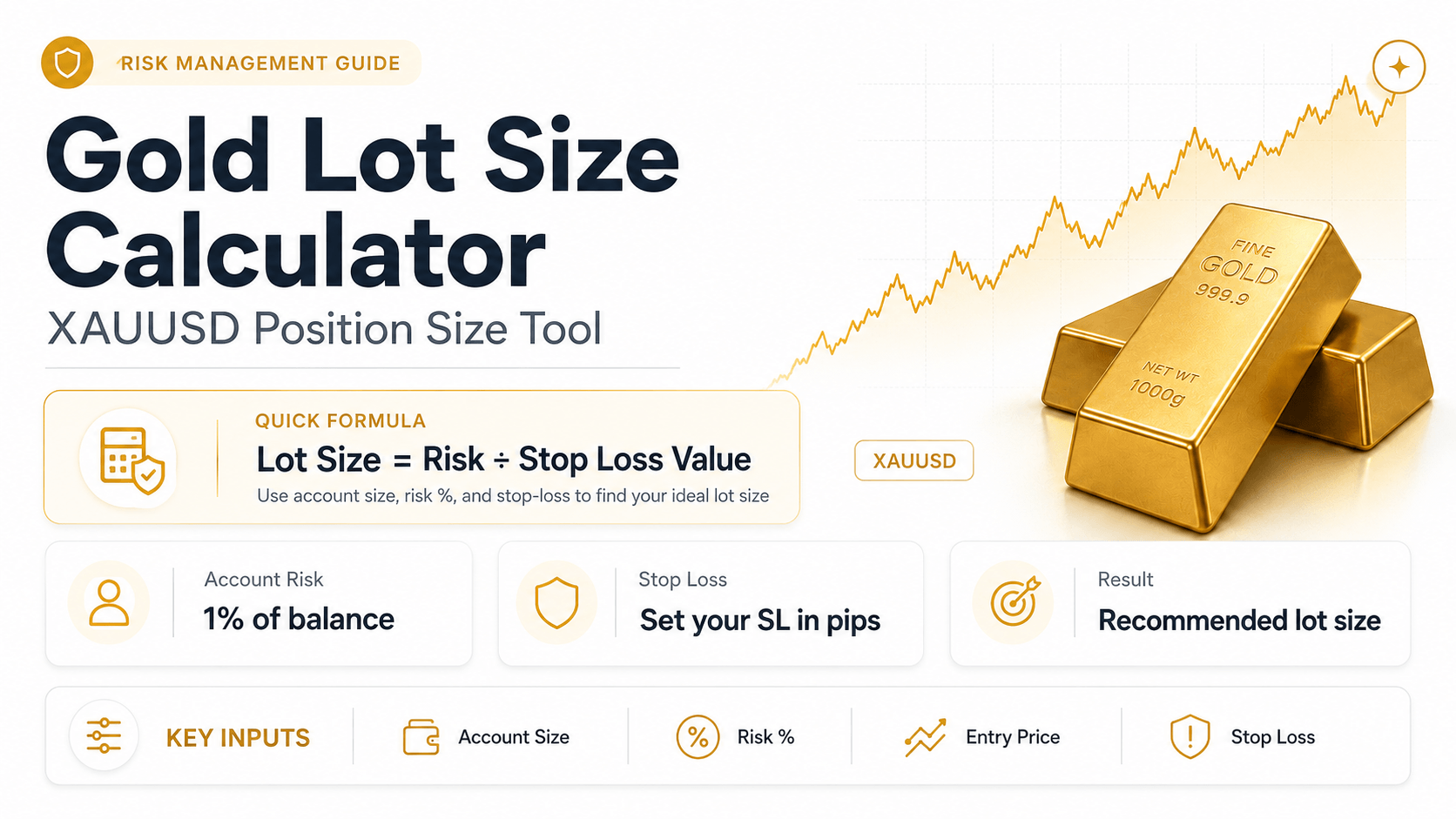
Whether you’re searching for a gold lot size calculator or a XAUUSD lot size calculator, you’re in the right place. This free tool helps you find the accurate lot/position size for your next Gold trade in seconds.
This free Gold lot size calculator helps traders of all levels manage their risk with precision.
Why Use This XAUUSD Lot Size Calculator
Getting your position size right on Gold is different from ordinary forex pairs — a $1 move on XAUUSD is worth far more per lot than a 1-pip move on EUR/USD. This calculator does that conversion for you automatically, so you can size every trade to your actual risk tolerance instead of guessing.
Proper risk management is one of the most important factors in becoming a consistently profitable trader. To do that effectively, you need to know exactly how much of your trading capital you’re risking every time you place a trade.
With the calculator below, you can instantly determine your ideal Gold lot size based on your account balance, risk percentage, entry price, and stop loss. It shows the result in standard lots with equivalent mini and micro lot units, giving you a clearer view of your position size before you trade.
How to Use the Gold (XAUUSD) Lot Size Calculator
To use the calculator below, please make sure you already have your trade setup prepared—especially your stop-loss price. You can map out your setup using any trading platform you prefer, such as MetaTrader or a charting tool like TradingView.
Once you have your stop-loss price, simply enter it below along with:
- Your Account Balance
- Your Chosen Risk Percentage
- Your Planned Gold (XAUUSD) Entry Price
It doesn’t matter whether you’re placing a long or short position—just complete the required fields and the calculator will give you the correct lot size based on your account type.
Rest assured, this page does not store or collect any of the information you enter. It’s purely a calculation tool that requires temporary input data to generate your position size — nothing is saved or tracked.
Gold (XAUUSD) Lot Size Explained
I’ve been trading XAUUSD for a few years now, and the one thing I keep coming back to is that the number a calculator spits out matters less than understanding where it came from. Gold lot size depends on your account balance, risk per trade, stop-loss distance, and your broker’s XAUUSD contract specifications — the gold lot size calculator above uses exactly those inputs to work out a position size that stays inside the risk you choose.
If you’re comparing this against other XAUUSD lot size calculator tools out there, the logic below is the same math I use on my own trades, broken down step by step so you can check it for yourself instead of just trusting a black box.
If you also want to estimate the capital required to open a Gold position, use the Gold (XAUUSD) Margin Calculator. Lot size and margin are related, but they answer different questions: lot size helps control trade risk, while margin estimates how much account equity may be required to hold the position.
Calculator assumptions
XAUUSD Contract and Pip Assumptions
The calculator uses a common XAUUSD convention for position sizing. Your broker may use different specifications, so always verify the contract details shown in your trading platform before placing a trade.
Quick heads-up from experience: not every broker defines a gold “pip” the same way. This calculator treats $0.01 as 1 pip (so 1.00 lot ≈ $1 per pip), which matches the standard 2-decimal quote convention most platforms use. Some brokers instead treat $0.10 as 1 pip (≈ $10 per lot). Neither is “wrong” — but the one your broker actually uses is the one that matters when you place the trade, so it’s worth checking your XAUUSD symbol specification once and remembering it.
Calculation process
How the Gold Lot Size Calculator Works
The Gold (XAUUSD) lot size calculator follows an eight-step process to turn your account balance, risk percentage, and stop-loss distance into an estimated position size.
1 Calculate the risk amount
The calculator first uses your Account Balance and Risk per Trade (%) to calculate the maximum amount you intend to risk if the stop loss is reached.
Risk Amount = Account Balance × (Risk % ÷ 100)
2 Convert non-USD risk into USD
XAUUSD is quoted in US dollars. If your account base currency is EUR or GBP, the calculator uses the USD-to-base exchange rate you enter to convert the risk amount into USD for the position-size calculation.
Risk in USD = Risk in Base Currency ÷ USD→Base FX Rate
3 Measure the stop-loss distance
You can enter the stop distance manually in pips, or enter both your Entry Price and SL Price so the calculator can measure the distance automatically.
Stop Loss (pips) = |Entry Price − SL Price| ÷ 0.01
4 Apply the XAUUSD pip-value assumption
With a 100-ounce standard XAUUSD contract and a pip size of $0.01, a 1.00-lot position is approximately $1 per pip.
For a deeper explanation, see the Gold pip value guide.
5 Calculate the raw lot size
The calculator divides your risk in USD by the estimated loss per standard lot at your selected stop distance.
Raw Lot Size = Risk (USD) ÷ Loss per 1.00 Lot at Stop Loss
Raw Lot Size = Risk (USD) ÷ Stop Loss (pips)
6 Round down to the assumed broker lot step
The calculator assumes a minimum trade size and volume step of 0.01 lot. It rounds the raw result down rather than up so volume rounding does not push the estimated loss above your selected risk.
Final Lot Size = floor(Raw Lot Size ÷ 0.01) × 0.01
7 Estimate pip value and loss at the stop
After the position size is rounded, the calculator estimates the dollar value per pip and the approximate loss if price reaches the stop loss.
$ per Pip = Final Lot Size × $1
Estimated Loss = $ per Pip × Stop Loss (pips)
8 Explain when no executable lot size is available
If the mathematical position size is below the assumed 0.01-lot minimum, the calculator explains why the trade cannot match your selected risk under those assumptions instead of forcing a larger position.
- Review whether the stop-loss distance still fits your trade setup.
- Check whether your broker supports a smaller minimum volume or a different account type.
- Verify the broker’s XAUUSD contract size and lot step.
- Skip the trade if the available position size would exceed the risk you intended to take.
Position-size reference
Gold Lot Size Units for XAUUSD
Under the common 100-ounce standard XAUUSD contract, each fraction of a lot represents a different amount of gold. This is useful when comparing standard, mini, and micro position sizes.
Broker terminology is not universal. Some brokers use “mini” or “micro” to describe account types with different contract specifications. Always check the symbol specification for XAUUSD on your own platform.
Position size is only one part of trade planning. For a broader explanation of controlling exposure, see the Gold risk management guide.
Common questions
Gold Lot Size Calculator FAQ
Quick answers to common questions about Gold (XAUUSD) lot sizing, pip value, contract size, and minimum trade volume.
Calculate the money you are willing to risk, measure the stop-loss distance, determine the loss per 1.00 lot at that stop, and divide your risk by that loss. Under this calculator’s convention, the simplified formula is:
Lot Size = Risk (USD) ÷ Stop Loss (pips)
The result is then rounded down to the assumed 0.01-lot broker step.
Under a common standard XAUUSD contract, 1.00 lot represents 100 troy ounces of gold. A 0.10-lot position represents 10 ounces, and a 0.01-lot position represents 1 ounce. Broker specifications can vary.
With a 100-ounce standard XAUUSD contract, 0.01 lot represents 1 ounce of gold. Using the calculator’s $0.01 pip convention, 0.01 lot is approximately $0.01 per pip.
If 1 pip is defined as a $0.01 move and 1.00 lot controls 100 ounces, then a 1.00-lot XAUUSD position is approximately $1 per pip. Some brokers instead define a gold pip as a $0.10 move, which works out closer to $10 per pip on a standard lot — different broker quoting conventions can produce different “pip” terminology, so check your platform’s symbol specifications.
This usually means the mathematically calculated position is smaller than the assumed 0.01-lot minimum. A wide stop loss, small risk amount, or small account balance can all contribute. Check your broker’s actual minimum trade volume before changing your setup.